Your day, at a glance.
One calm dashboard for what you eat, how you train, sleep and feel, and what is on today. Open it as your homepage and your whole day is there before you have typed a thing.
No password: sign in with Face ID, Touch ID or an authenticator app.
Goedemorgen, Sanne.
Close the 84 g protein gap
- 250 g kwark now, 200 g kipfilet at dinner.
- 30 min mobility instead of intervals.
- Lights out by 22:45 for 7.5 h.
2210 kcal and 171 g protein with a 42 min run. Food on target, sleep short at 6.8 h.
Just say it.
No forms, no tapping through menus. Tell your assistant what you ate, how you slept, your weight, your run, how you feel or what you need from the shop, in your own words. It logs everything in the right place.
Then it reads your own data back to you: a short overview of how things are going and clear tips for today, based on your targets and your goals rather than general advice.
- Speak or type, on the web or on your glasses
- Food, sleep, training, mood, weight, notes and groceries
- A daily and weekly overview written from your numbers
“Three eggs and a bowl of skyr for breakfast, and I slept about seven hours.”
- FoodEggs ×3 and skyr: 430 kcal, 41 g protein
- Sleep7 h
A strong start: 41 g protein before nine, and your best night this week.
- Aim for 45 g at lunch to stay on track for 180 g.
- Keep tonight’s bedtime: 22:45.
One page for the whole day
It opens with every new window. Everything you log, by voice, by hand or from your glasses, lands here and feeds what your assistant tells you next.
Calories, protein, sleep, mood, weight and training against your own targets, with a short read of yesterday and three tips for today.
Set up in two minutes
- 1
Create your account
Pick a username and sign in with Face ID, Touch ID or an authenticator app. There is no password to remember.
Create your dashboard - 2
Make it your homepage
Every new window opens on your day, so checking in costs nothing. Copy the address and follow the steps for your browser.
- Open Settings, then On start-up.
- Choose "Open a specific page or set of pages" and add the address.
- Optional: under Appearance, turn on "Show home button" and paste it there too.
Also on your glasses
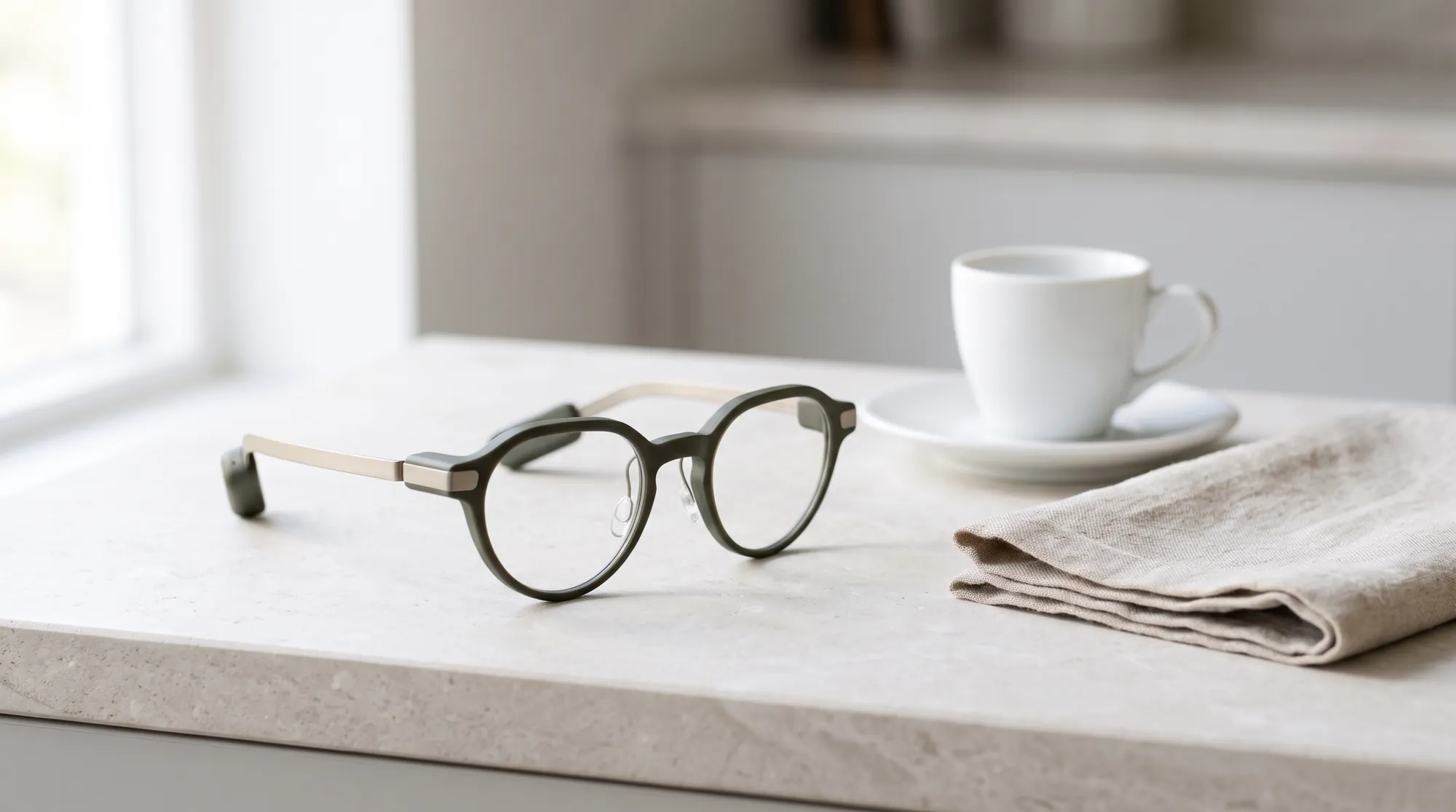
Wear it on the Even Realities G2.
If you own a pair of G2 smart glasses, your dashboard comes with you: five short pages on the lens, and the same assistant one press away. Hold the touch bar and say what to log. Pair them once from your dashboard under Settings, then Glasses.
1Today
Your focus for the day, calories and protein against target, sleep, mood and training. One glance.
2Log by voice
Hold the touch bar and say what you ate, slept or weighed. It lands in your dashboard straight away.
3Tips
Three short actions for today, written by Claude from your own numbers.
4Yesterday
How yesterday went, in two lines. When yesterday is empty, it reads your last seven days instead.
5Goals and groceries
What you are working towards, and what is on the shopping list when you walk into the store.
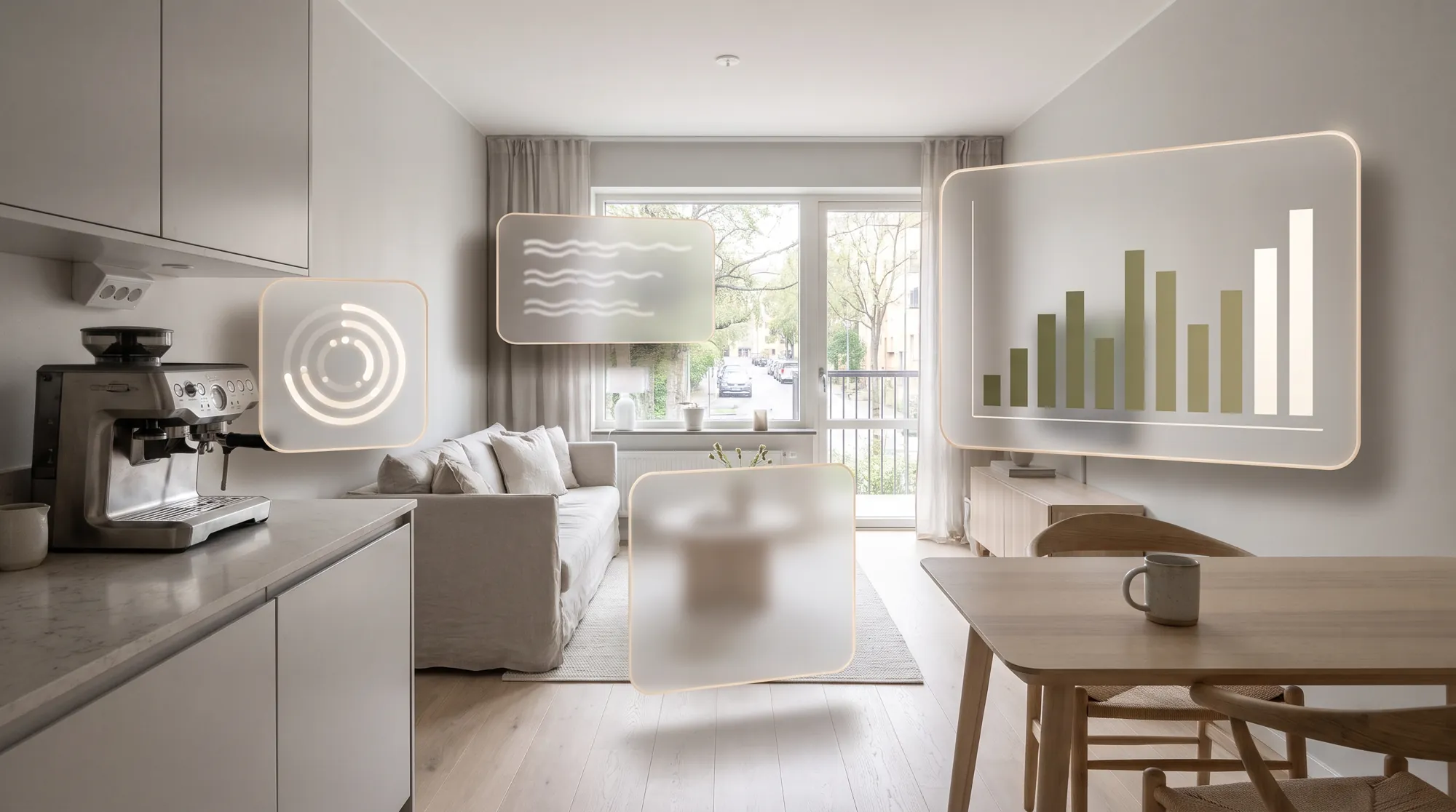
Snap Spectacles, in preview
Your dashboard, pinned to the room.
On Spectacles your day becomes windows you place around your home: today's numbers by the coffee machine, the assistant at your desk, your week by the window. They stay where you left them. We are building it now.